Master LeoMail.
From zero to dispatching thousands of personalized emails in under 5 minutes. Learn the exact workflow to automate your outreach.
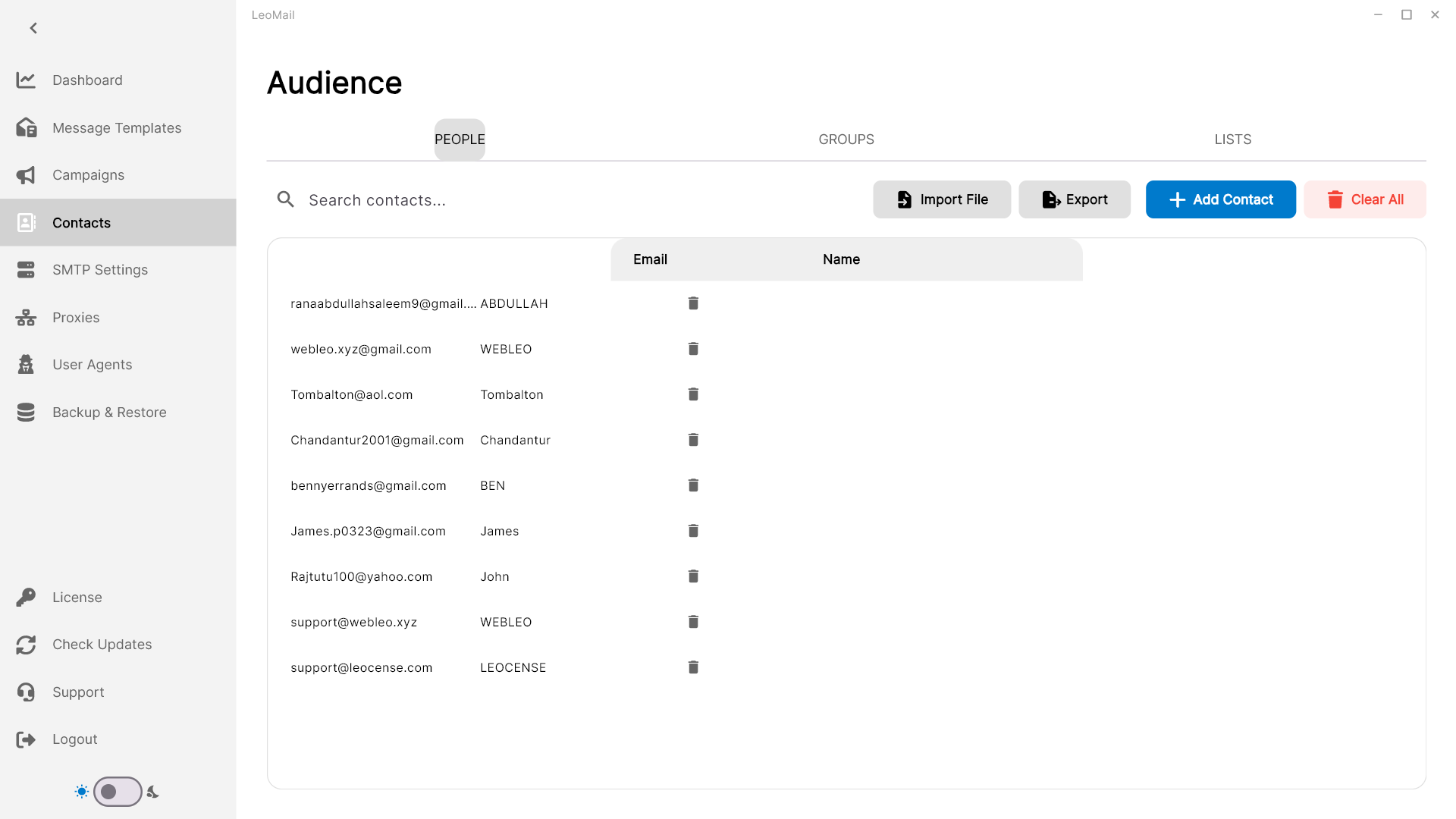
Step 1: Upload Your Contacts
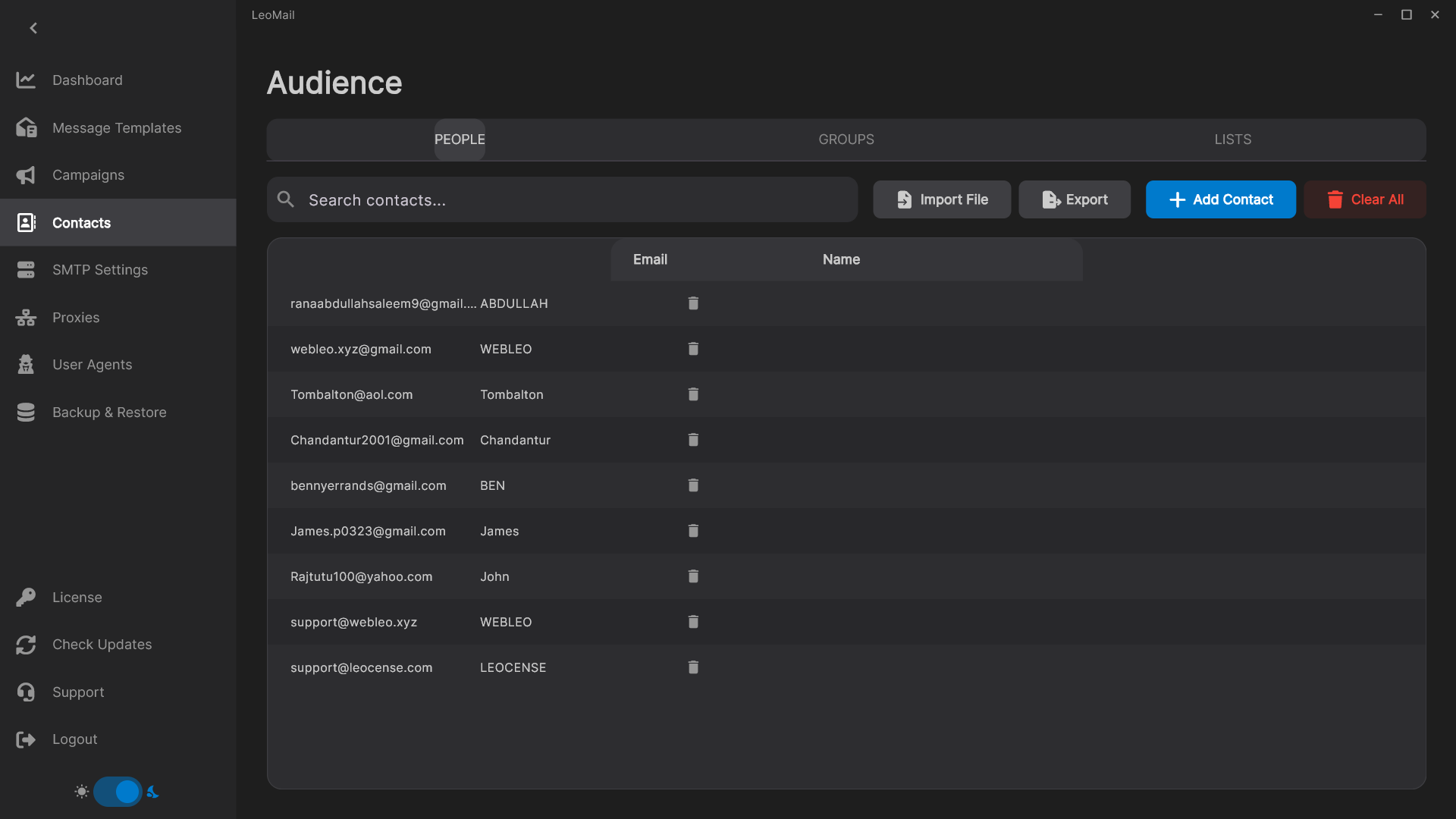
Start by importing your leads into the Contacts Manager. You can upload CSV, TXT, or paste emails manually. LeoMail validates duplicates instantly.
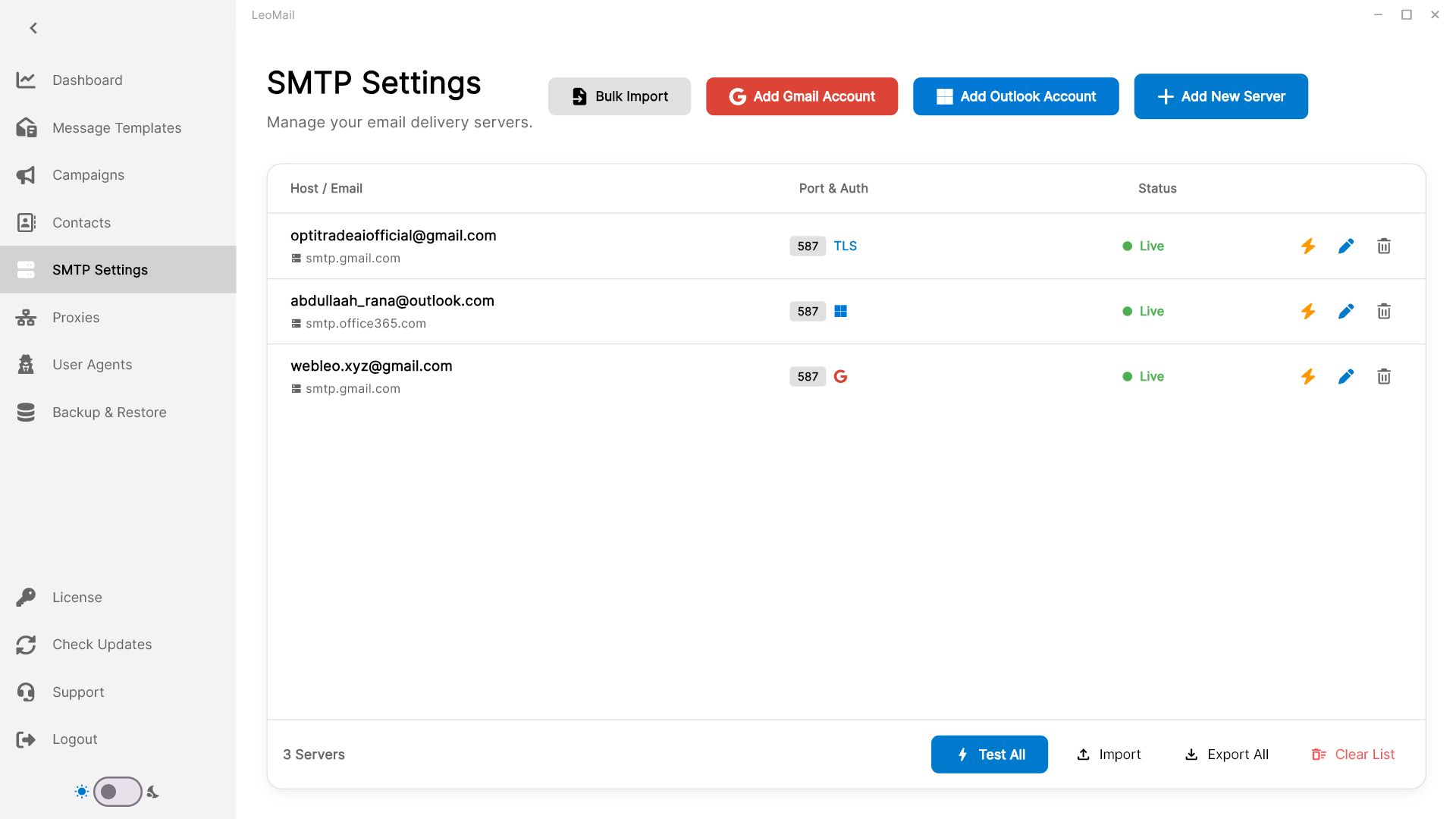
Step 2: Connect SMTP Servers
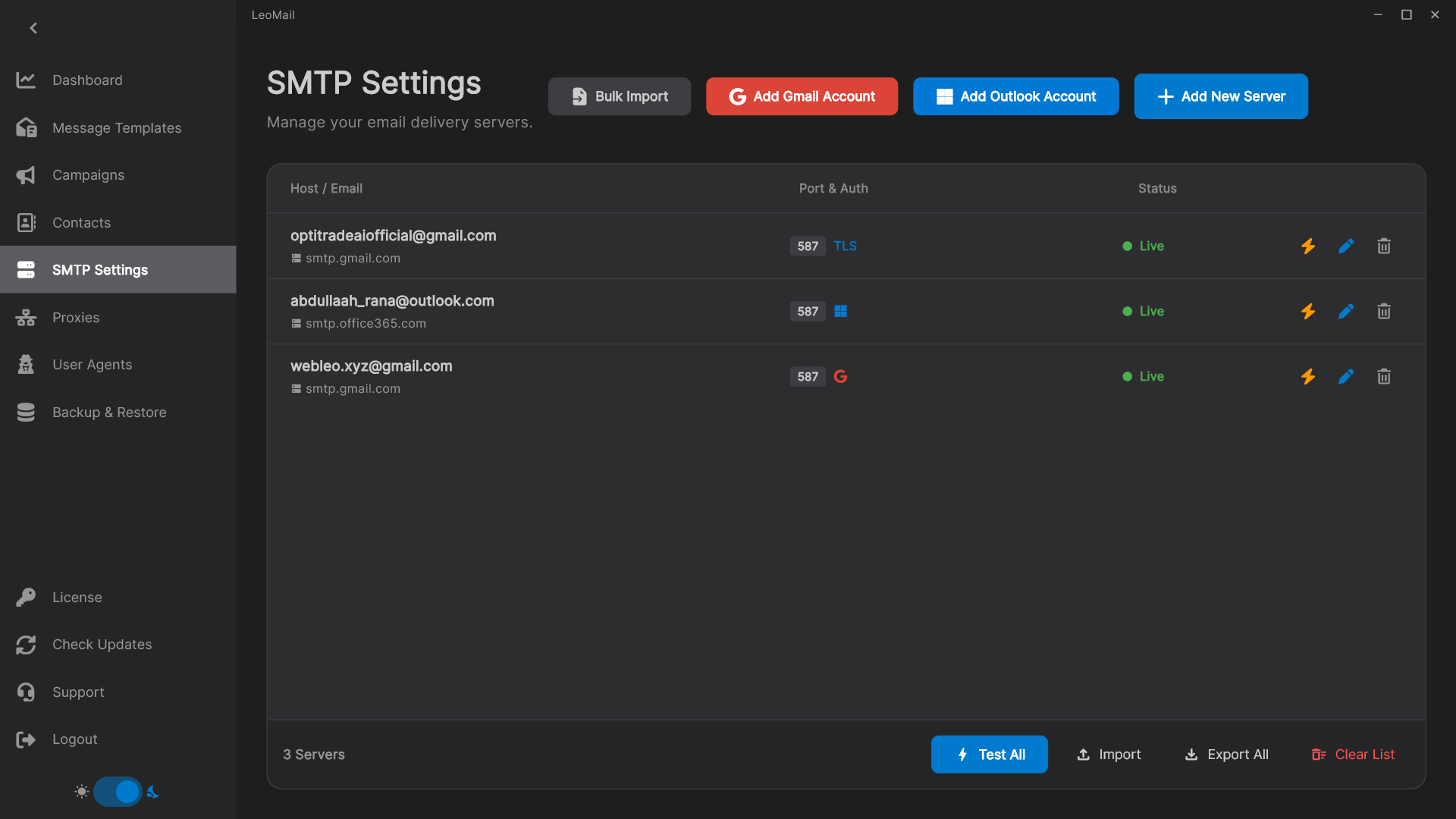
Link your sending accounts. Use an SMTP provider that supports your account’s authentication method and permitted sending use. Simply group them together for intelligent rotation.
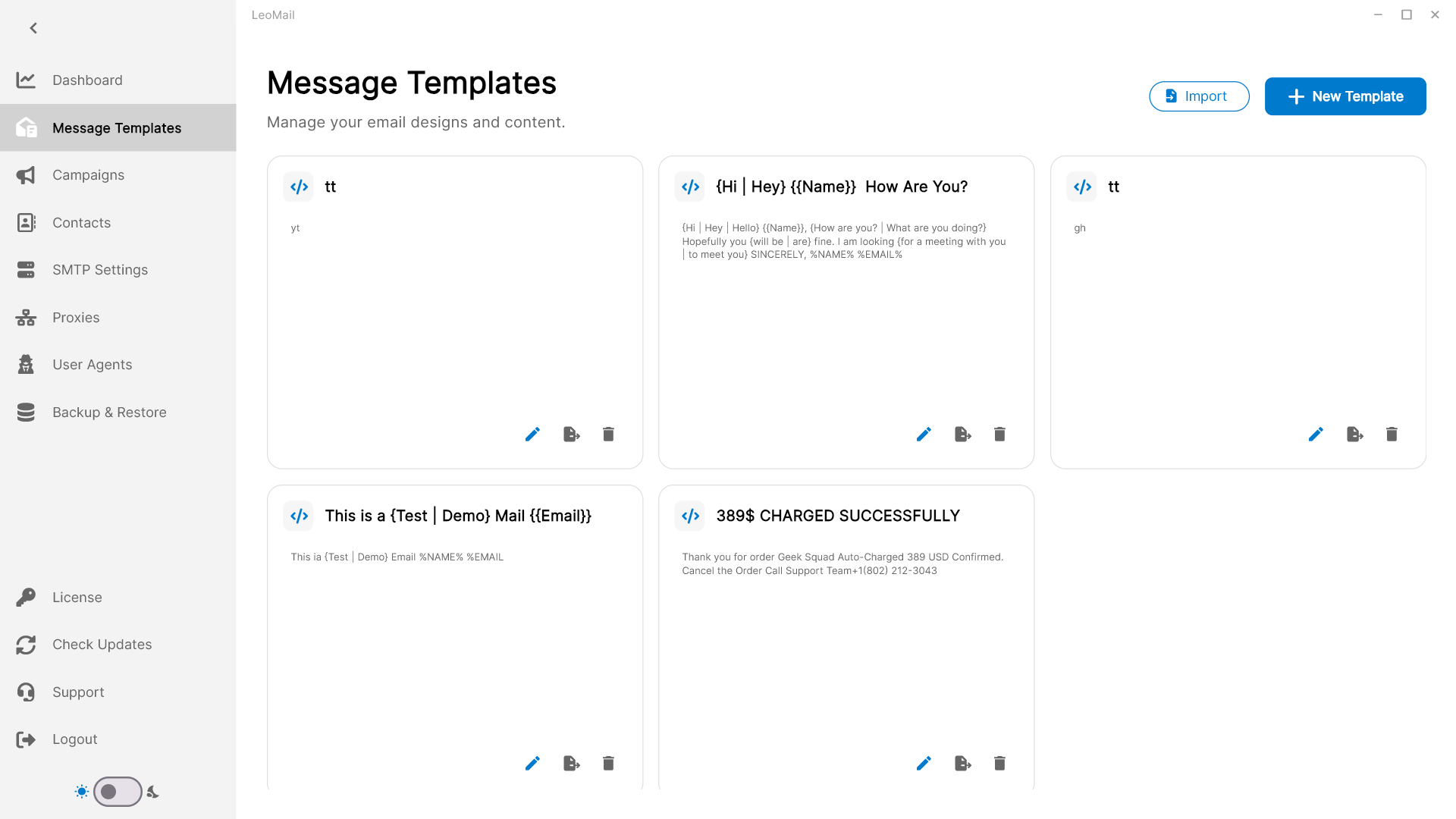
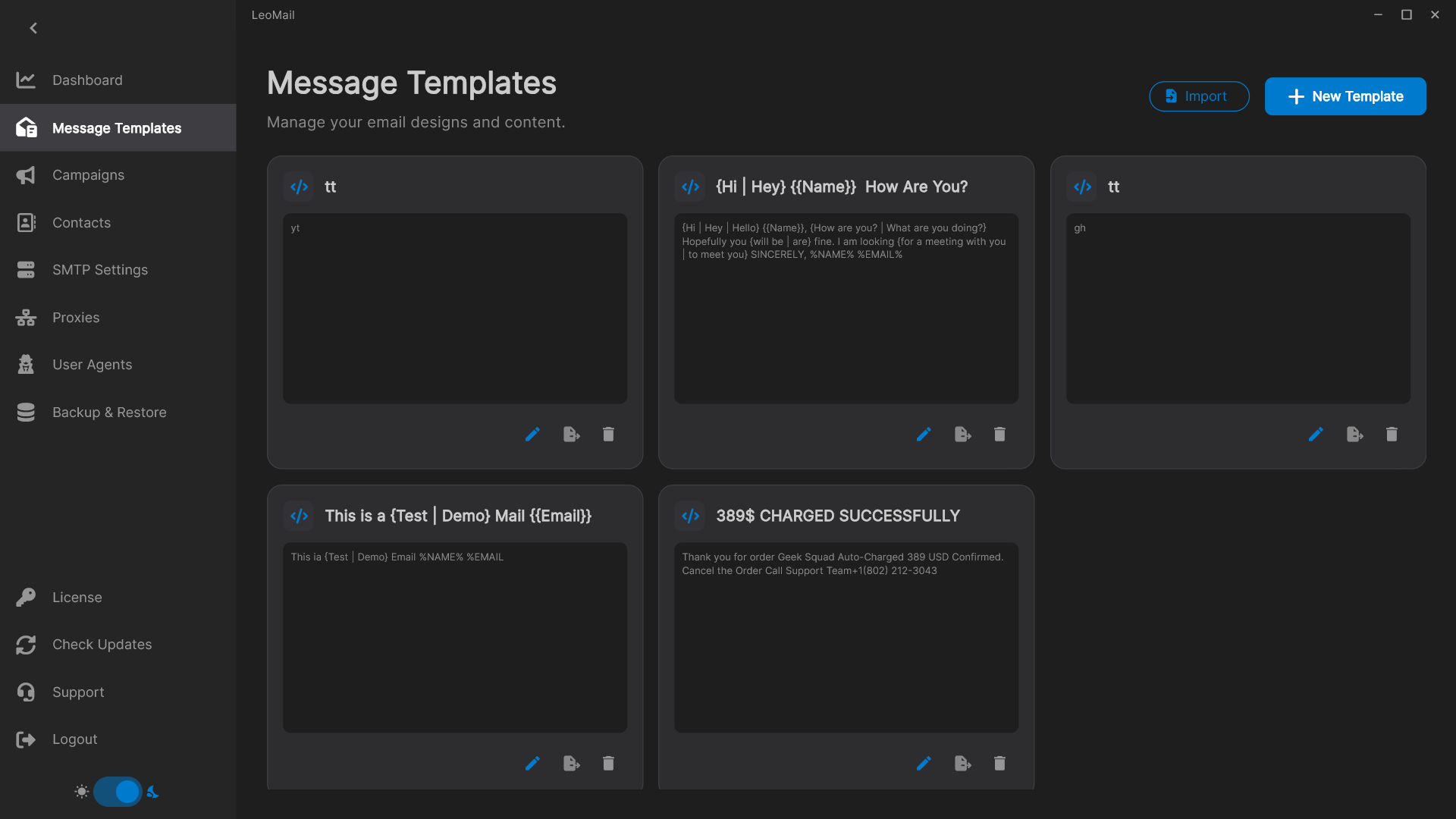
Step 3: Design Message Templates
Craft your outreach messages using our powerful HTML editor or plain text. Utilize advanced Spintax and dynamic personalization variables to ensure every email is unique.
Step 4: Launch Your Campaign
Bring it all together. Select your contact list, choose your SMTP rotation group, attach your templates, and hit dispatch. LeoMail's engine handles the rest concurrently.
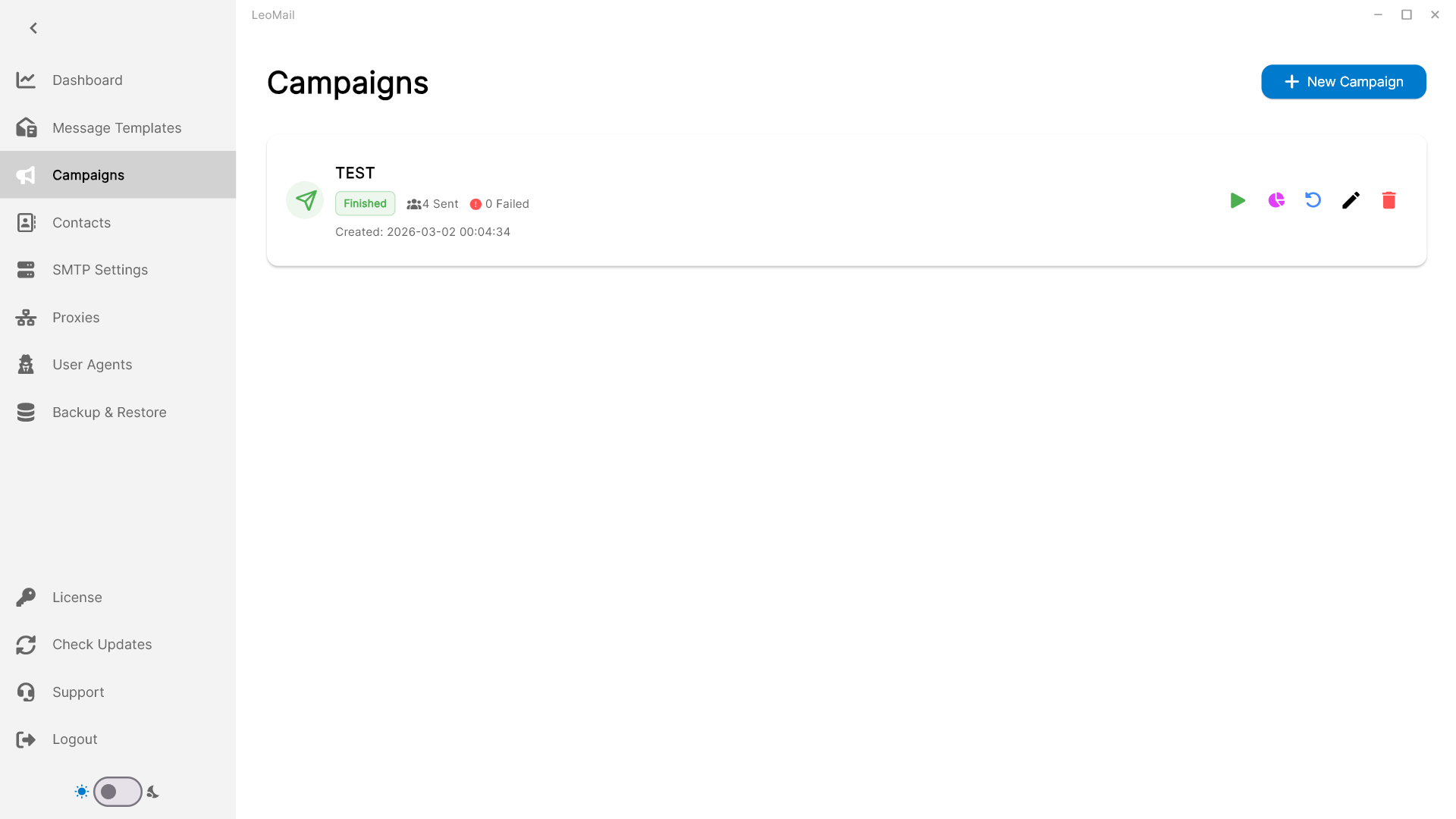
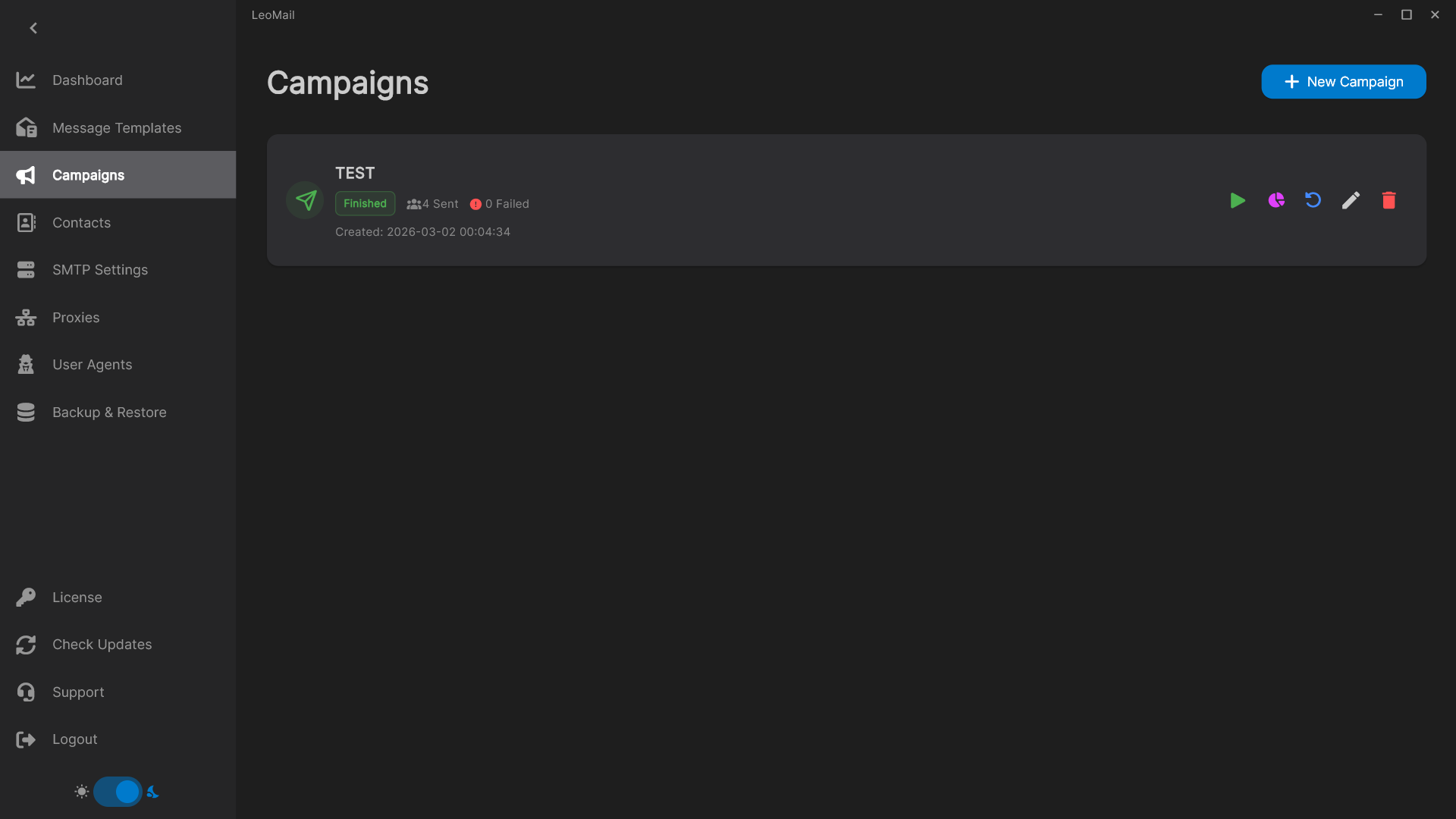
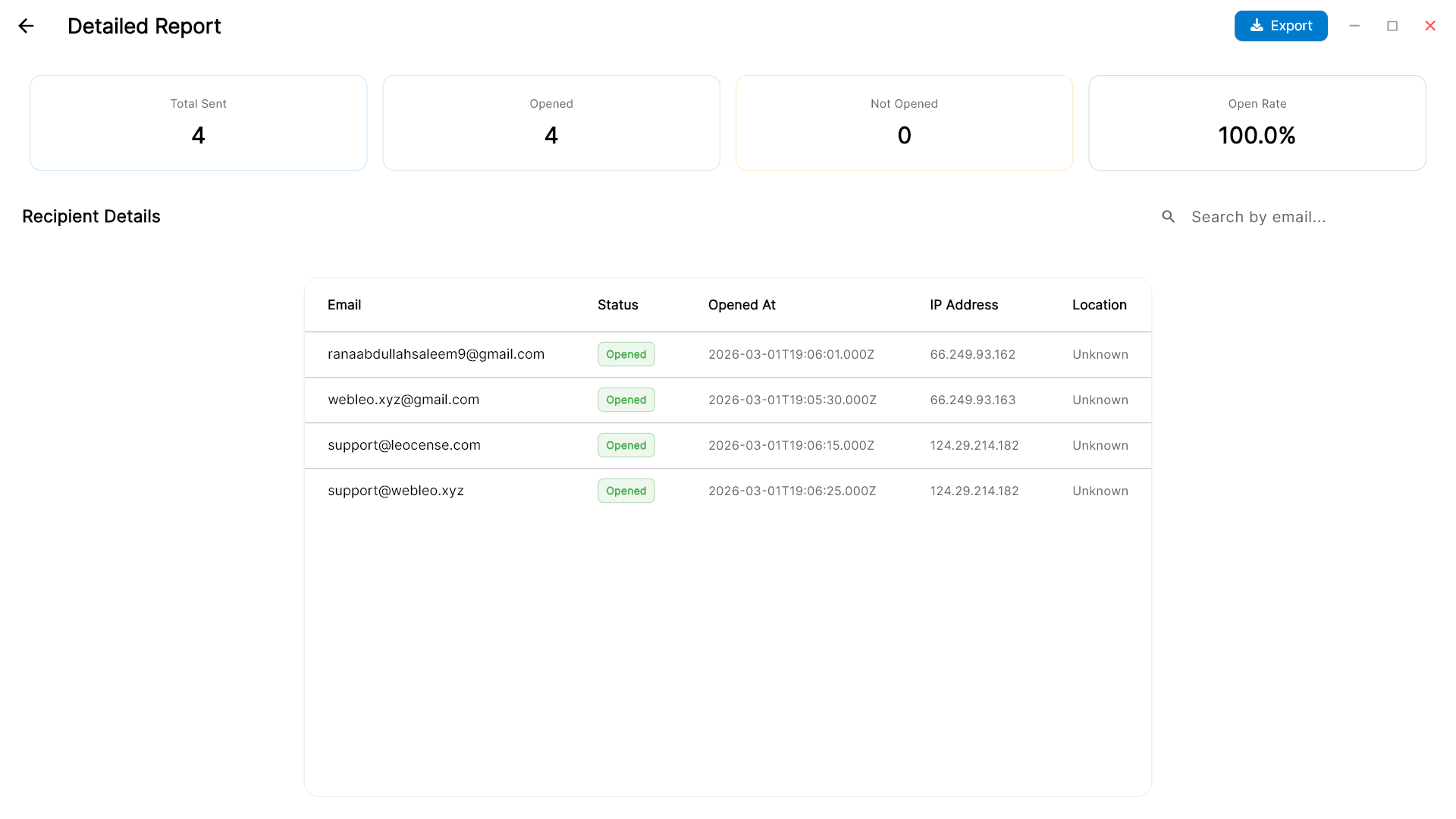
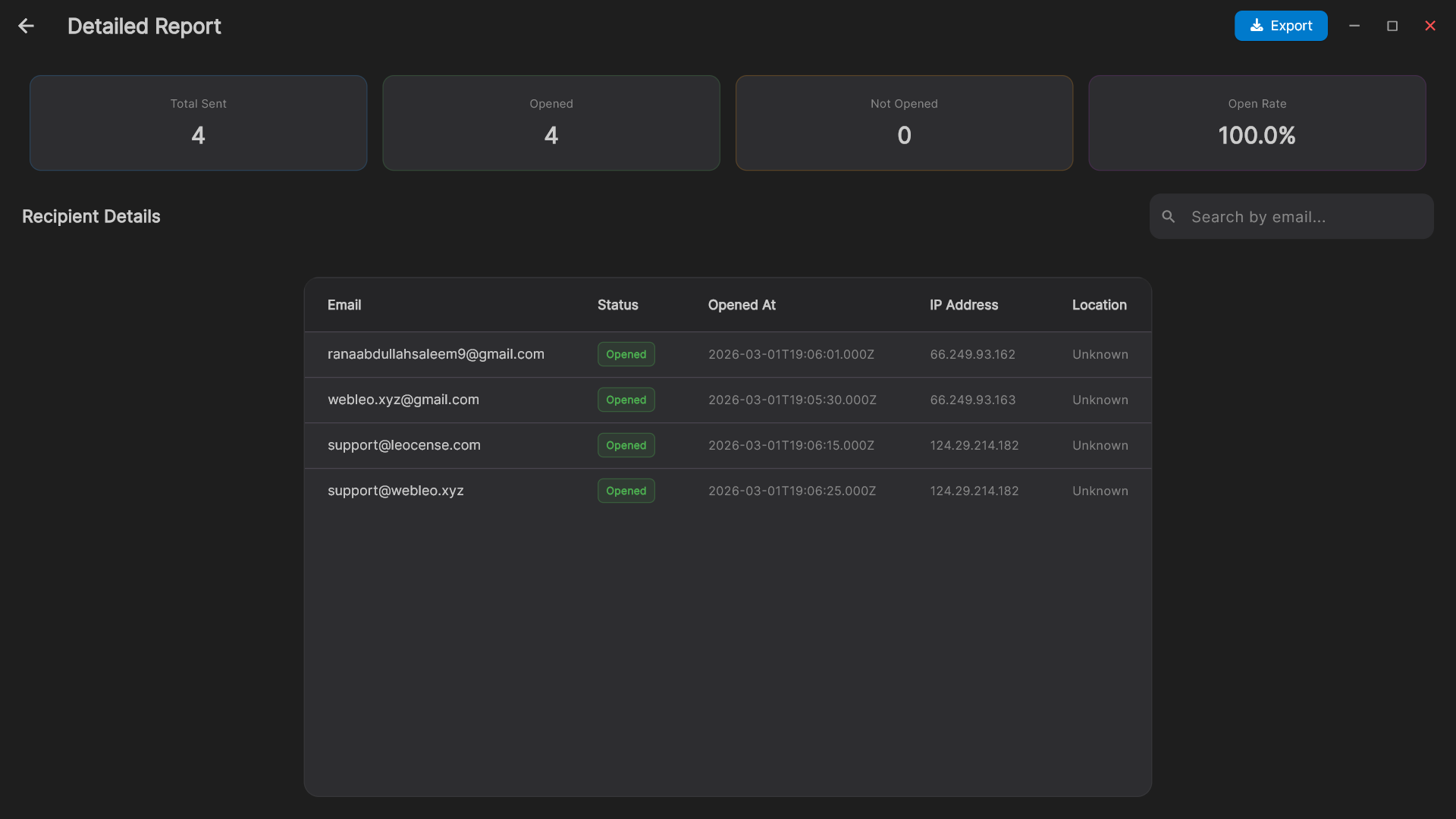
Step 5: Monitor Tracking Stats
Watch the results roll in. Track opens in real-time. LeoMail injects a 1x1 tracking pixel automatically into HTML emails to record open events. Privacy tools and automated scanners can affect these counts; they are not conversion measurements.
Ready to send?
You now know the exact blueprint. Join top-tier marketers running high-volume campaigns securely today.
Deploy LeoMail Now